From Fusion to Finished Part.
The complete CNC machining education, online — taught by someone who runs a real production shop, not a theory-only classroom.
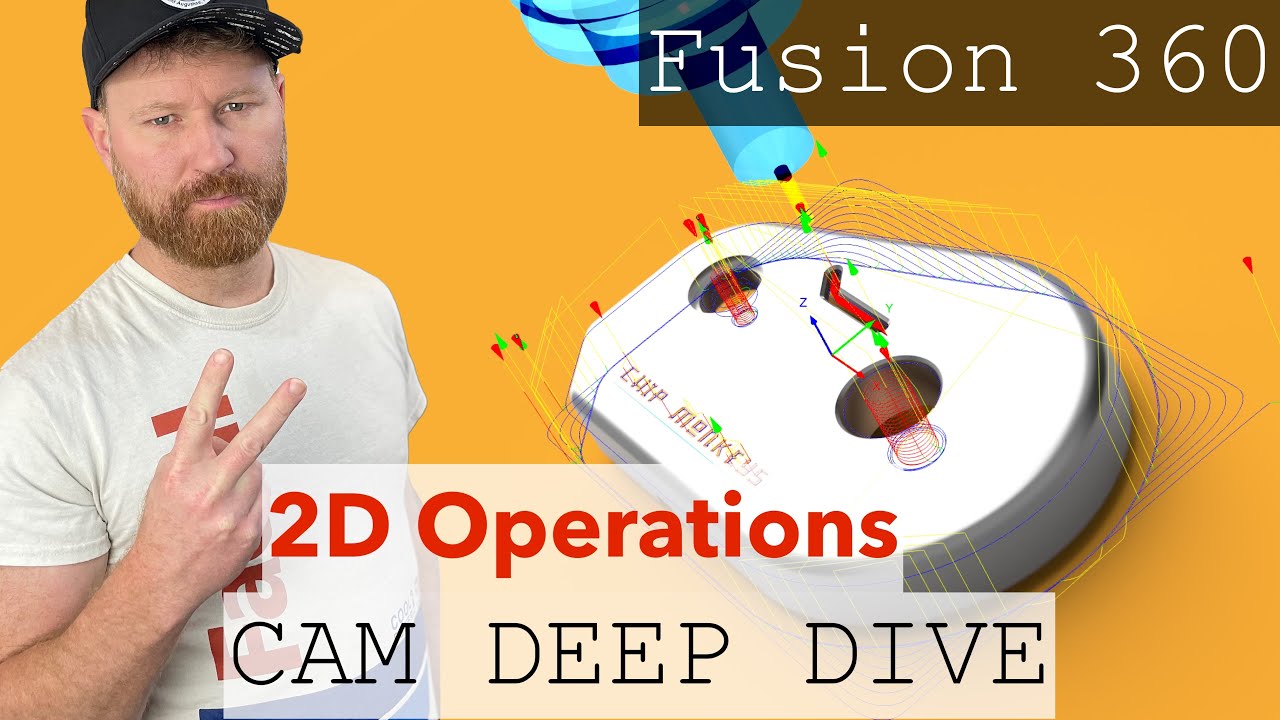 Start here — what Chip Monkeys is about
Bought Fusion online? You skipped the support desk.
Buy Mastercam or GibbsCam and a distributor comes with it — someone who trains you, answers the phone, and gets you unstuck when a toolpath goes sideways. Buy Fusion online and none of that exists. You get a forum, a search bar, and whatever you can piece together at 11 PM with a part still on the table.
Buying through a distributor
- Structured training included
- A machinist to call when you're stuck
- Post-processor and setup help
- Thousands of dollars per seat, per year
Fusion + Chip Monkeys
- Structured training, beginner to 5-axis
- A machinist to ask when you're stuck
- Real setups, real tools, real parts
- A fraction of one distributor invoice
Chip Monkeys is the support desk Fusion never shipped with — 25+ years at the spindle, teaching the way a good distributor would have.
Four paths through the same shop. Start where you stand.
Whether you've never touched a machine or you're moving from three-axis to multi-axis, there's a path built for exactly your jam.
Master chip theory, CAD/CAM, and CNC fundamentals from zero.
Upgrade your CAM software or move to a new CNC — without the learning curve.
Unlock multi-axis programming beyond three-axis basics.
Get unstuck with direct programming support.
Recent lessons & projects
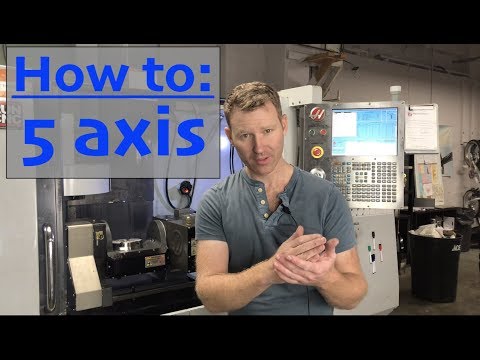
Setting Up a 5-Axis Trunnion on a Haas TM2-P
Installing and programming a TR160-Y trunnion onto the mill.
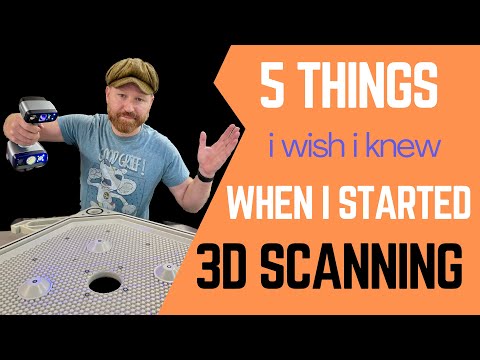
5 Things I Wish I Knew When I Started 3D Scanning
Hard-won lessons before you buy or start scanning parts.
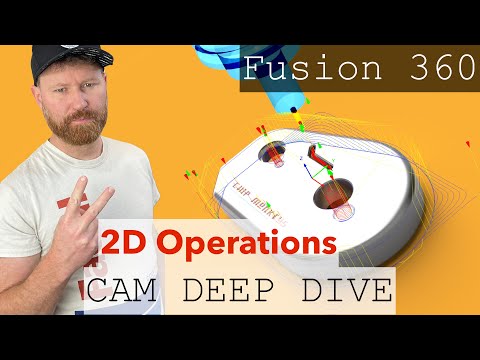
Mastering 2-Op Operations in Fusion CAM
Flip the part and keep your origins straight across two setups.
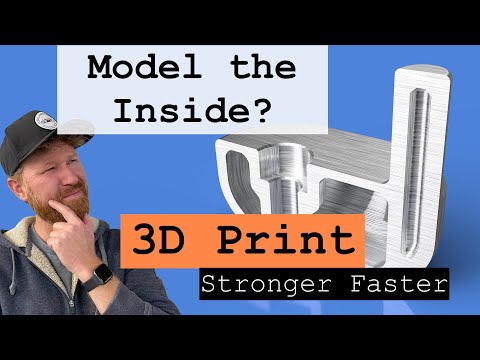
Design Tips for Stronger, Faster 3D Prints
Model smarter so parts come off the plate tougher and quicker.
Taught by someone who runs a real precision shop.
This isn't a demo bench. The lessons come straight out of day-to-day production work — the same tooling, materials, and problems you'll hit on your own machine.
Need parts made, not lessons? Hooper Machine & Design →
Stuck on a part right now? Get unstuck for $50.
Send in your Fusion file and where you're hung up — toolpath, setup, post, whatever it is. You get direct programming help from a working machinist, not a forum thread that trails off.
$50 flat · no membership required
 Chip Monkeys